Tools › Velocity Stats
Velocity Statistics Calculator
Paste your chronograph shot string. Returns average, standard deviation, extreme spread, coefficient of variation, and min/max. Same math the BrassTracker app uses for chrono sessions.
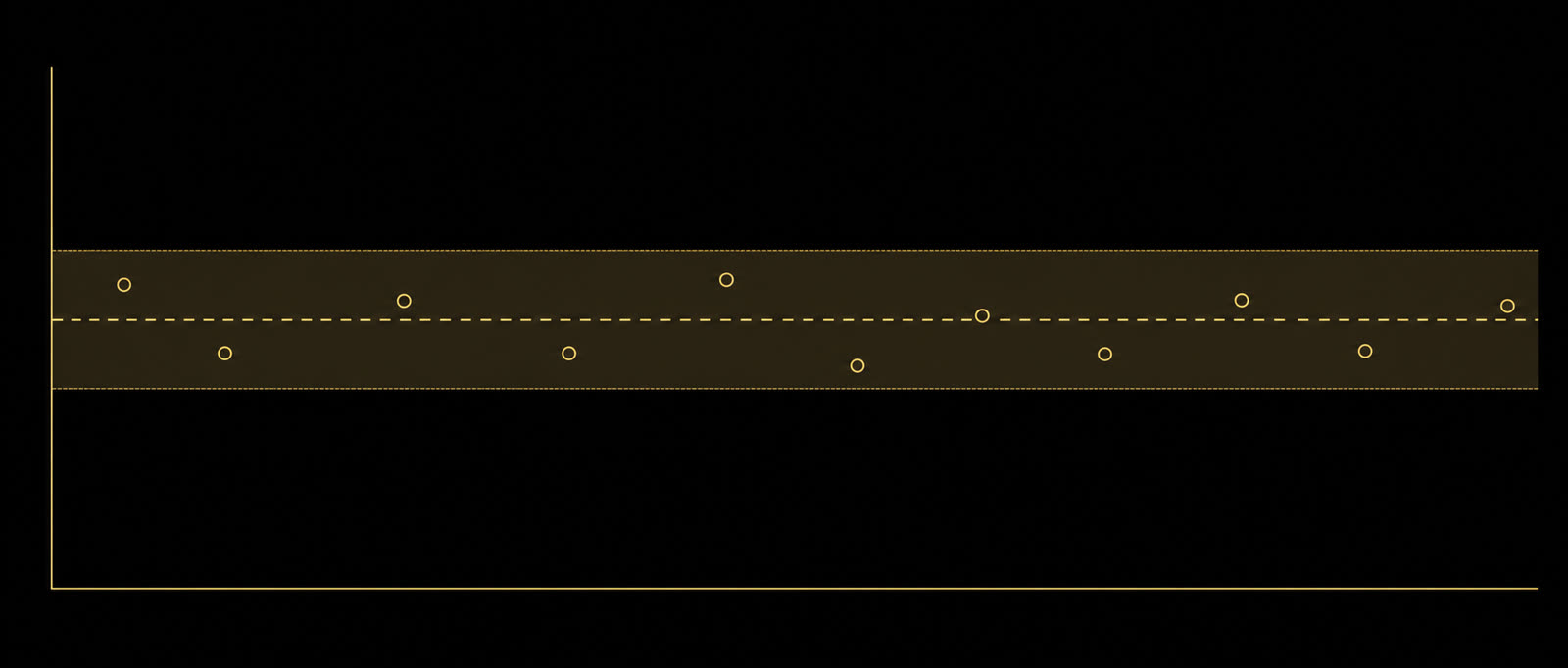
What These Words Mean
- Chronograph
- A device that measures how fast each bullet is moving when it leaves the barrel. Spits out a number in feet per second (fps) for every shot.
- Muzzle velocity (MV)
- The bullet's speed at the moment it exits the barrel. Different rounds out of the same load all give slightly different velocities.
- Average
- Sum of all your shot velocities divided by how many shots you fired. The middle of the range.
- Standard deviation (SD)
- How spread out your shots are around the average. Lower = more consistent. Single-digit SD is excellent. Above 25 fps means the load needs work.
- Extreme spread (ES)
- Fastest shot minus slowest shot. Easy to understand but a single bad shot makes it look worse than it is.
Reading The Numbers
SD vs ES. Standard deviation describes the typical shot's distance from the mean. Extreme spread is just max minus min. SD is more useful for predicting downrange behavior because a single flyer can blow up your ES while leaving the load fundamentally consistent.
What's good? For precision rifle, single-digit SD is the goal. Sub-15 fps SD is competitive. Above 25 fps SD usually means a node hunt is in order.
Sample size matters. With only three or four shots, the statistics aren't trustworthy. Five is the practical minimum. Ten is meaningfully better. Twenty is where the numbers stop moving.
Disclaimer. Educational. Not load data. Always verify against a current published reloading manual.